Features › Smart Waitlist
Smart Waitlist
A cancellation comes in. Mia tells you who can fill it.
A cancelled groomappointment only costs you money if the slot stays empty. Synarii checks your waitlist the moment a slot frees up and puts the matching customers in front of you — no list to dig through, no remembering who asked for what.
How it works
- Customers join your waitlistAdd them yourself in a few taps, or let Mia do it — when she can't find a time that suits, she offers the waitlist and records the days and times they're after.
- An appointment cancelsWhether the customer cancels through Mia or you cancel it on the calendar, Synarii checks the freed slot against everyone waiting — the days they can do, the time of day they asked for, and the staff member they want. Priority customers and the longest waits come first.
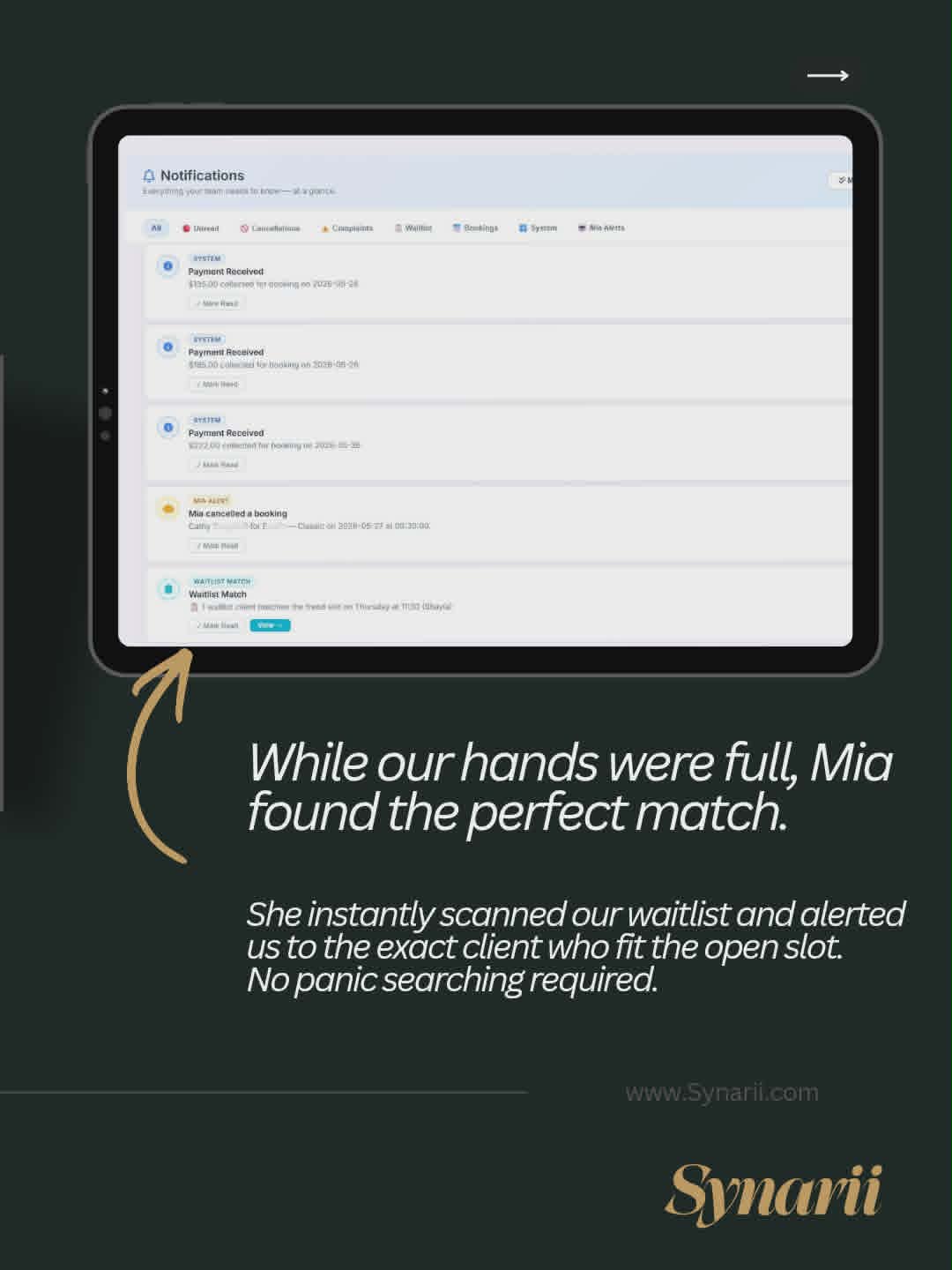
- You're told who fits — straight awayA notification says how many waitlist customers match, and the freed slot on your calendar shows a "Waitlist Match" banner. Open it, tap the 💬 beside the customer, and offer them the spot.
What it means for your day
- The gap is sold before you've noticed it. You find out about the cancellation and the fix in the same notification.
- Nobody on the list is forgotten. The system remembers who wanted Thursday afternoons, so you don't have to.
- Fully booked stops meaning "no". Mia offers the waitlist instead of turning people away, so a full week still collects tomorrow's customers.
- You stay in charge. Mia finds the match; you decide who gets the spot.
Try it free for a week
No credit card · Included in every plan